Photo to Poster
Upload a photo and run the photo to poster preset: the Studio edits your image into a bold, gallery-style poster in one paid job — no prompt writing, no manual layout.
Run it on your own image
Credit balance: —
Composing…
Before and after
A real example of the transformation: drag the divider, or use the buttons, to compare the input and the result.
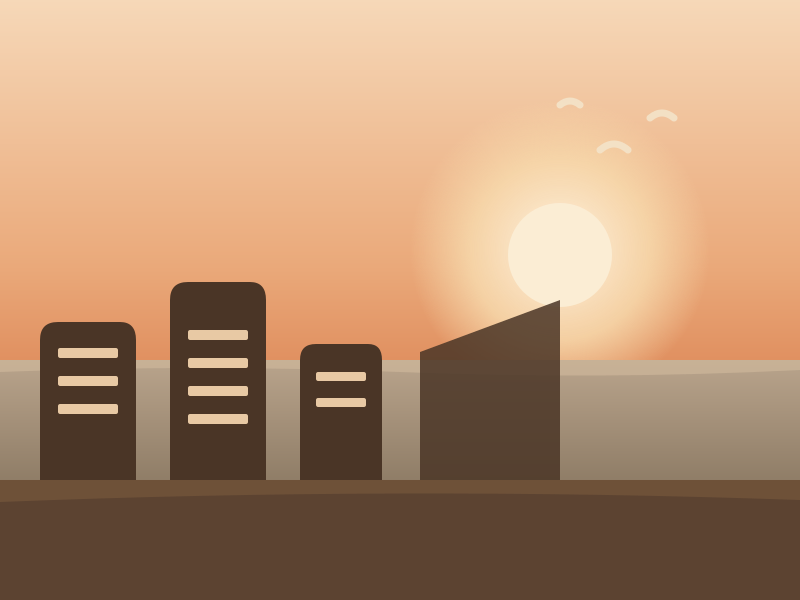
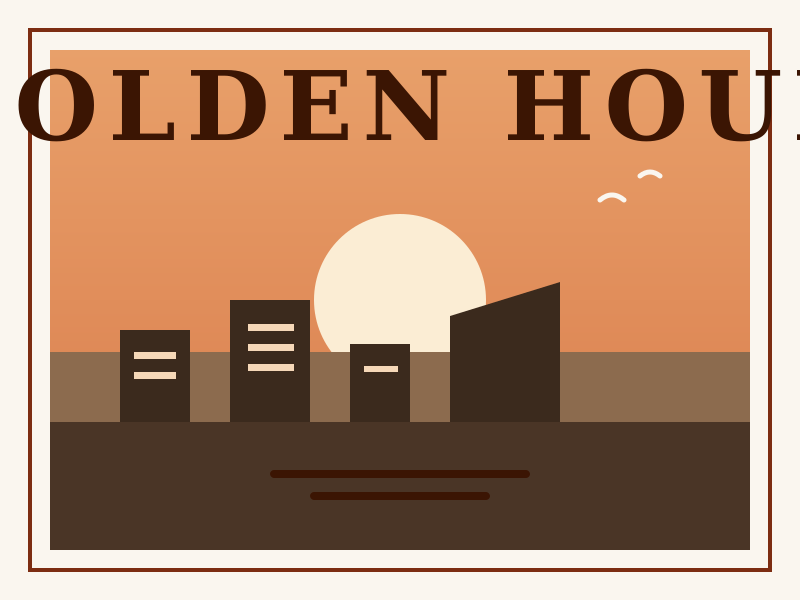 BeforeAfter
How it works
Upload the photo you want to turn into a poster.
Run the fixed photo to poster preset — the Credit price is shown on the button before you spend.
Compare before and after, then download the finished poster.
Frequently asked questions
- What does the photo to poster tool do to my image?
- It runs one Studio Edit job with a fixed instruction: the composition is simplified into flat graphic shapes, a headline area and a caption block are reserved, and the result gets a warm paper texture. Your original upload is never modified.
- How much does a photo to poster run cost?
- Each run costs the Credit price shown on the button — the same price the Studio charges for the same model and resolution. Failed jobs are refunded automatically.
- Do I need to write a prompt?
- No. The preset carries the instruction, the model, and the output settings. You only pick the photo and press Apply.
Pair the tool with tested prompts
The poster prompt gallery is where every preset comes from. Browse the full collection on the Hub, or start from one of these proven cases.
Poster Prompts