Background Remover
Upload a photo and run the background remover preset: the Studio isolates your subject with crisp edges and a clean white backdrop in one paid job.
Run it on your own image
Credit balance: —
Composing…
Before and after
A real example of the transformation: drag the divider, or use the buttons, to compare the input and the result.
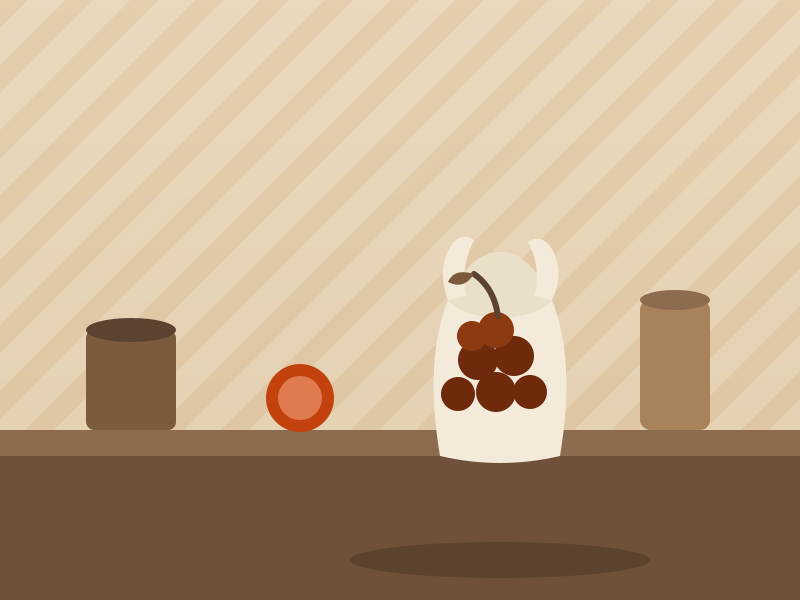
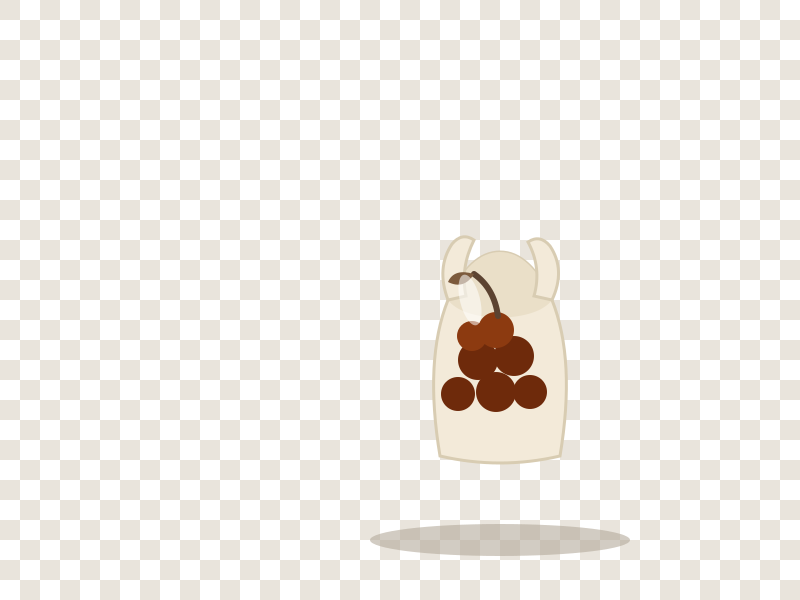 BeforeAfter
How it works
Upload the photo whose background you want removed.
Run the fixed background remover preset — the Credit price shows on the button before you spend.
Compare before and after, then download the cut-out.
Frequently asked questions
- What does the background remover do to my image?
- It runs one Studio Edit job with a fixed instruction that isolates the main subject, keeps edges crisp, and places it on a clean white background with a soft contact shadow. Your original upload is never modified.
- Which subjects work best?
- Products, people, and single objects on a reasonably distinct background give the cleanest edges. You can retry any photo — a new run is a new job.
- Do I get a transparent background?
- The preset composites your subject onto a clean white background. For a transparent asset, download the cut-out and remove the white in your editor — the edges are already clean.
Pair the tool with tested prompts
The poster prompt gallery is where every preset comes from. Browse the full collection on the Hub, or start from one of these proven cases.
Poster Prompts